
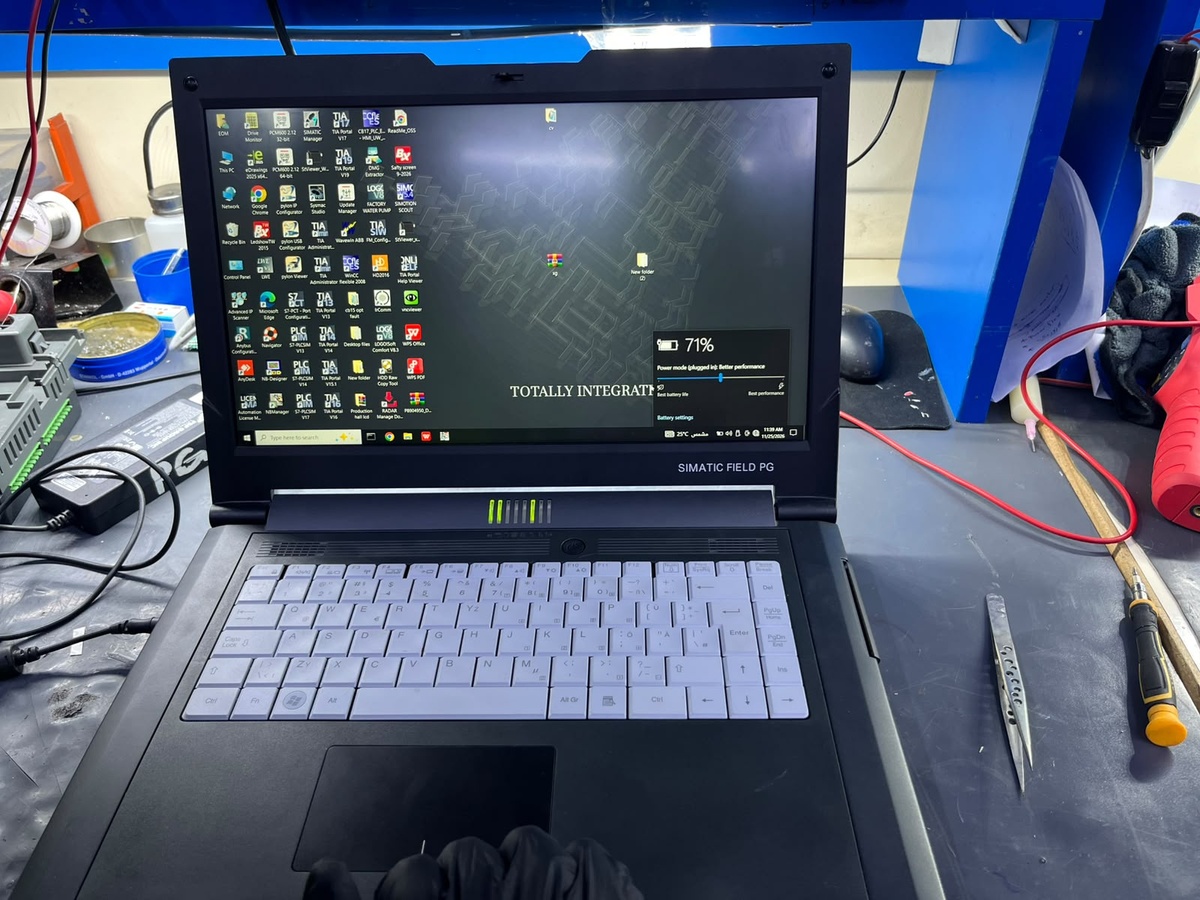
Siemens SIMATIC Field PG Repair
The Siemens SIMATIC Field PG is a rugged industrial programming laptop designed for automation engineering, PLC programming, machine commissioning, diagnostics, and industrial maintenance. It supports SIMATIC engineering software, including TIA Portal, STEP 7, and WinCC, with integrated industrial communication interfaces such as PROFIBUS, PROFINET, and SIMATIC memory card interfaces, depending on the model and configuration.
| Brand | Siemens |
| Equipment | SIMATIC Field PG M3 |
| Equipment Category | SIMATIC Field PG M4 |
| Industry | Oil and gas |
| Fault Reported |
|
| Repair Turnaround Time | 3–7 working days |
The Challenge
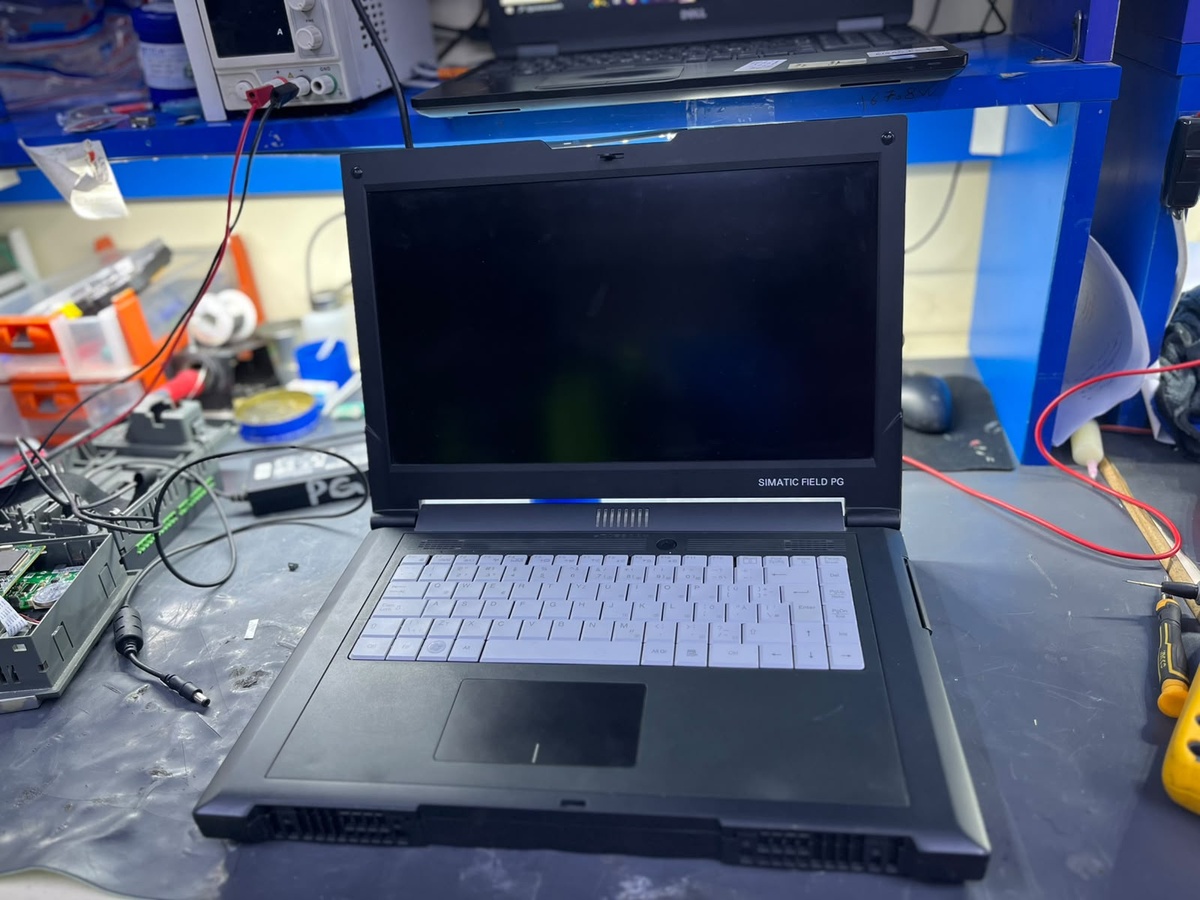
A malfunctioning Siemens SIMATIC Field PG can prevent automation engineers from accessing PLC programs, troubleshooting industrial machines, and performing essential commissioning and maintenance activities. In this reference scenario, the programming device experiences intermittent startup failures, unstable power operation, and communication problems, requiring detailed motherboard and electronic component-level diagnosis.
Diagnosis
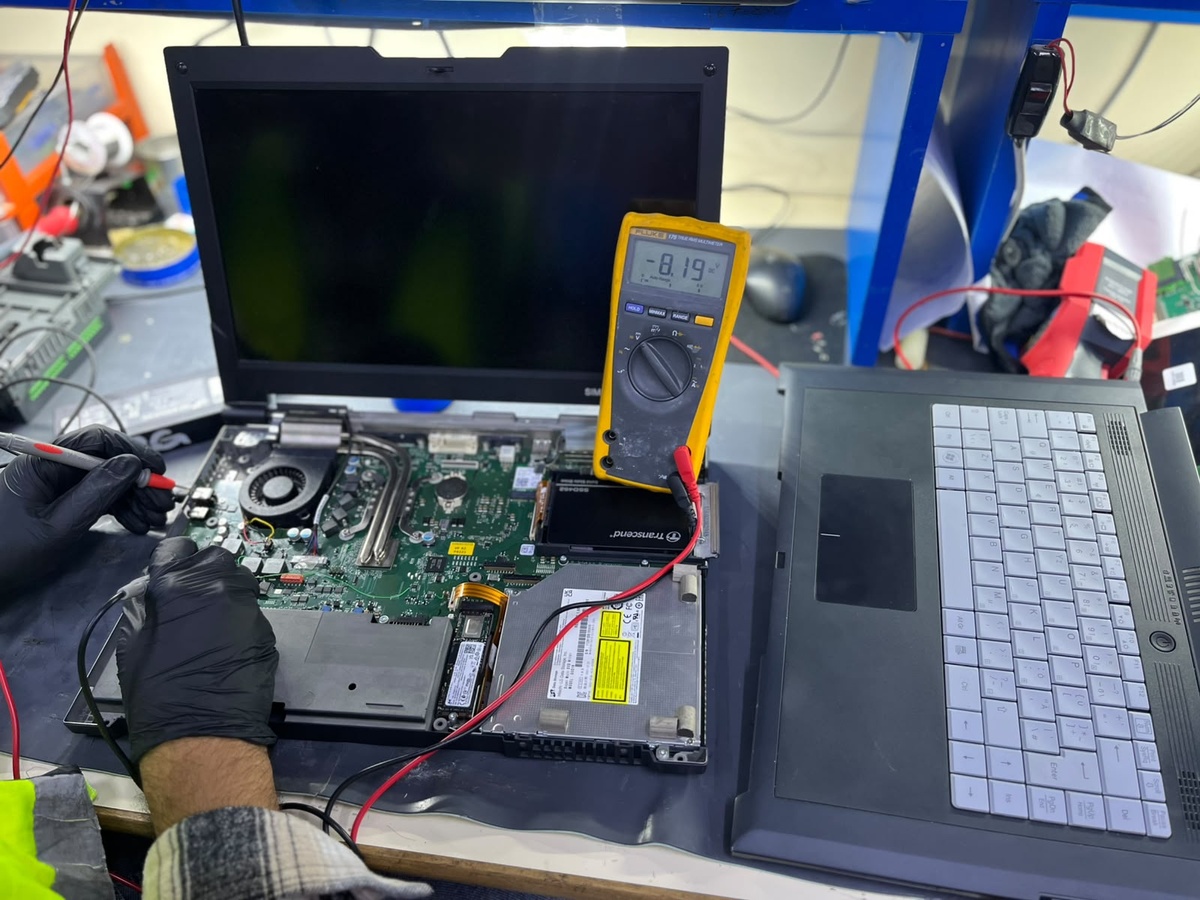
- The diagnostic process focuses on identifying potential faults within the following sections:
- - Motherboard power management circuits
- - DC input and battery charging circuits
- - Shorted MOSFETs and voltage regulators
- - BIOS and firmware circuits
- - CPU and GPU power supply sections
- - LCD display and backlight circuits
- - SSD and RAM modules
- - PROFIBUS communication circuits
- - Ethernet and PROFINET interfaces
- - SIMATIC memory card interface
- - Cooling fan and thermal management system
- - Internal connectors and ribbon cables
Our Solution
- The proposed repair scope includes:
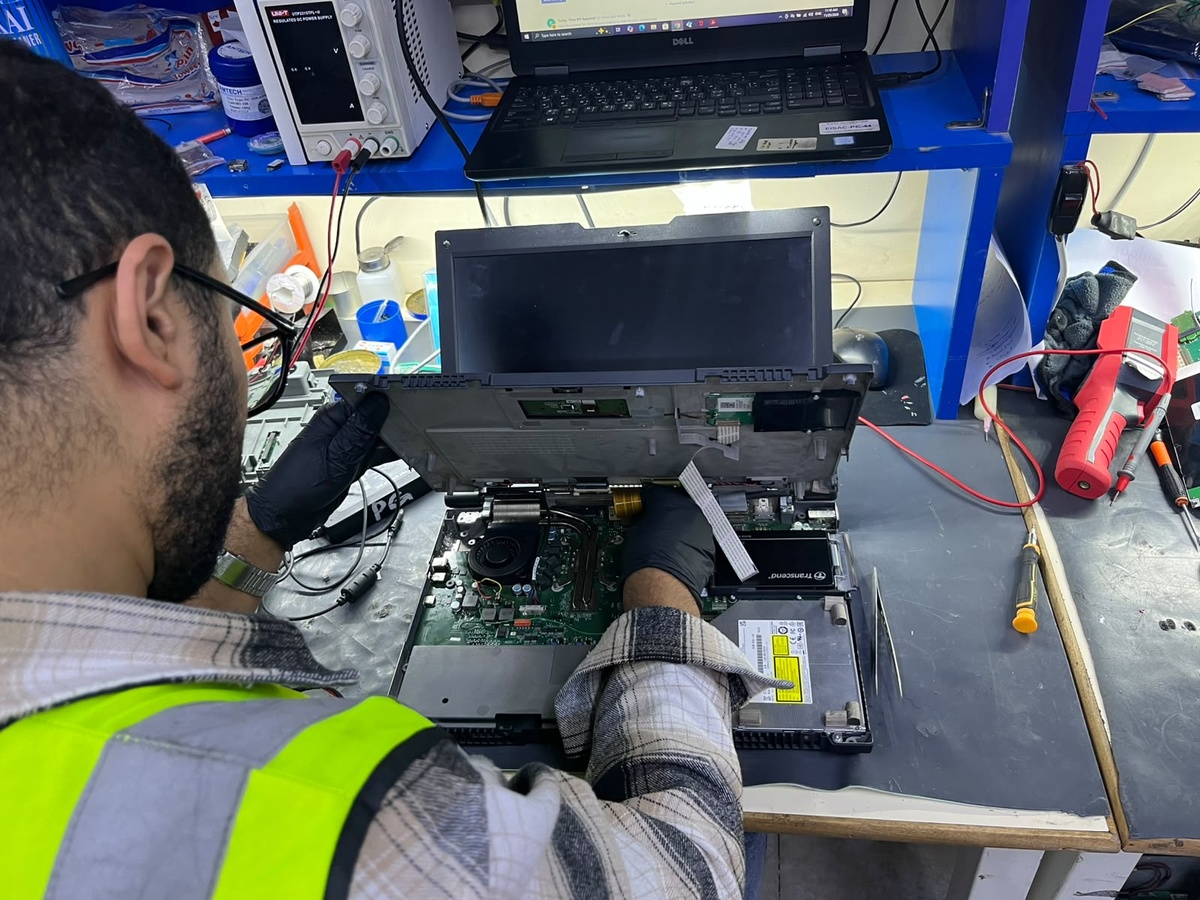
- - Complete device disassembly and inspection
- - Component-level motherboard repair
- - DC input circuit restoration
- - Battery charging circuit repair
- - Replacement of defective MOSFETs and electronic components
- - BIOS recovery where applicable
- - Display and backlight circuit repair
- - Industrial communication interface repair
- - USB and Ethernet port restoration
- - Cooling system cleaning and maintenance
- - Thermal paste replacement where required
- - Software and data preservation where technically possible
- - Final reassembly and functional verification
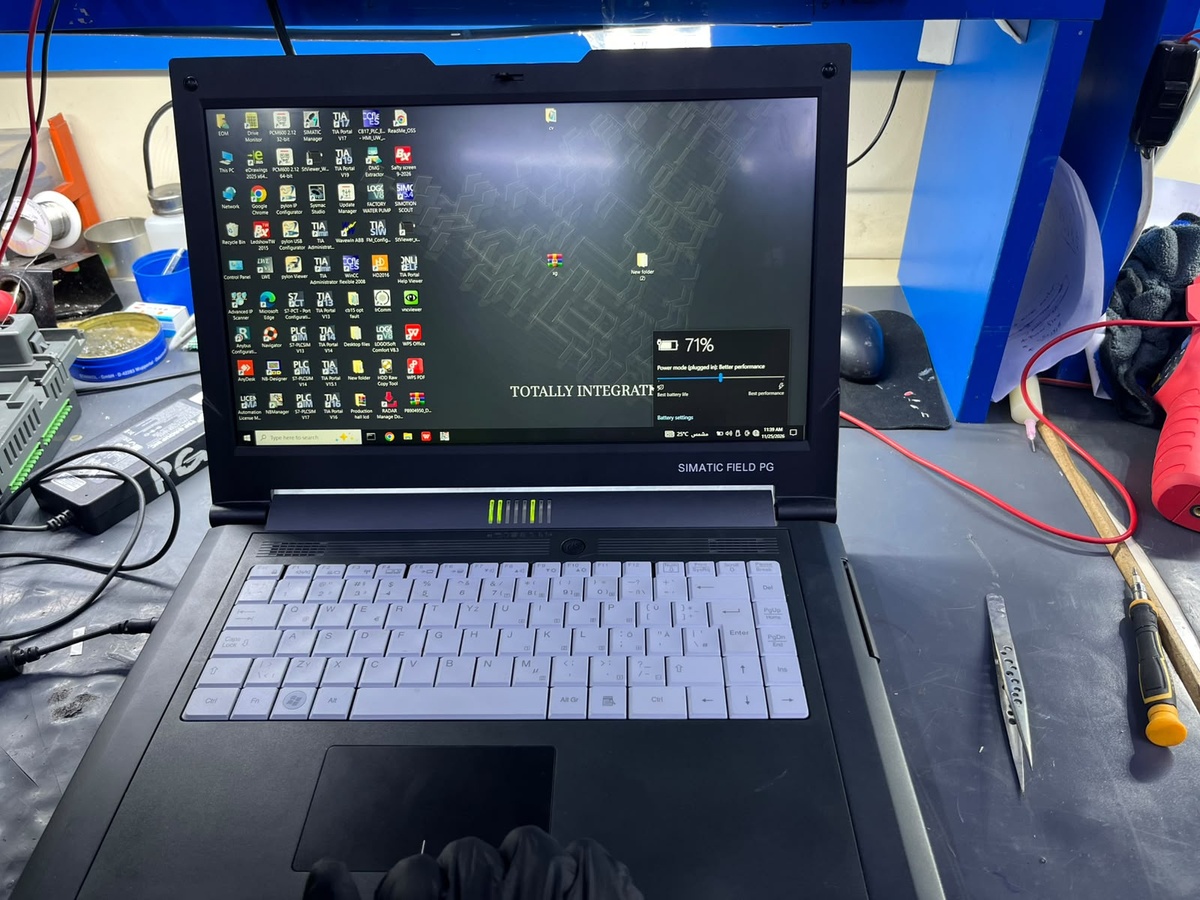
Testing Performed
- - Power-On Verification
- - Motherboard Voltage Rail Test
- - Battery Charging Test
- - BIOS & POST Verification
- - Display & Backlight Test
- - Keyboard & Touchpad Test
- - RAM & SSD Diagnostic Test
- - USB Port Functional Test
- - Ethernet Communication Test
- - PROFIBUS Communication Test
- - PROFINET Communication Test
- - SIMATIC Memory Card Interface Test
- - TIA Portal & STEP 7 Connectivity Test
- - Thermal Stability Test
- - Extended Run Test
- - Final Functional Inspection
- The applicable tests depend on the device configuration and reported fault.
Final Result
The expected repair outcome is stable device operation, reliable system startup, restored power and charging functionality, and successful verification of the applicable industrial communication interfaces. The programming device can be released for industrial engineering and maintenance applications once all required functional tests have been successfully completed.
Common Fault Codes & Causes
- No Power – DC input or motherboard power circuit failure.
- Battery Not Charging – Battery, charging IC or power management fault.
- Black Screen – Display, backlight, graphics circuit or display cable failure.
- PROFIBUS Interface Failure – Communication transceiver or interface circuit damage.
- PROFINET Connection Failure – Ethernet hardware, driver or network configuration issue.
- USB Port Failure – Damaged connector, USB controller or protection circuit.
- Overheating – Cooling fan failure, dust accumulation or thermal management issues.
- Random Shutdown – Unstable power rails, overheating or motherboard defects.
Preventive Maintenance
- Use the correct Siemens-compatible power adapter.
- Keep ventilation openings clean and unobstructed.
- Inspect battery condition periodically.
- Protect industrial communication ports against electrical surges.
- Avoid exposure to excessive dust, moisture and temperature.
- Maintain regular backups of PLC programs and engineering projects.
- Keep software license recovery information available.
- Monitor SSD/HDD health.
- Inspect power and communication connectors regularly.
- Follow manufacturer recommendations for BIOS and firmware updates.
Related Services
- Industrial Electronics Repair
- Industrial PC Repair
- Industrial Laptop Repair
- Motherboard & PCB Repair
- Siemens PLC Repair
- Siemens HMI Repair
- PROFIBUS Interface Repair
- PROFINET Communication Repair
- Industrial Power Supply Repair
- Siemens Automation Technical Support
Need Professional Repair?
Contact Our Engineering Team TodayKEEPING INDUSTRY MOVING